
Plan with clarity
Organize your day on a visual timeline and move tasks around as your priorities change

Meridian for Android
Plan on a timeline you can actually see, run one focus session at a time, and check back later to see what's working — no account, no ads, nothing tracked

Meridian isn't trying to be everything — it plans your day, protects one focus session at a time, and shows you what's actually happening
Organize your day on a visual timeline and move tasks around as your priorities change
Start a focused session, keep one task in view, and make your attention count
Review focus time, completion rates, habits, and trends so you know what is working
Each screen is built to help you decide what matters next
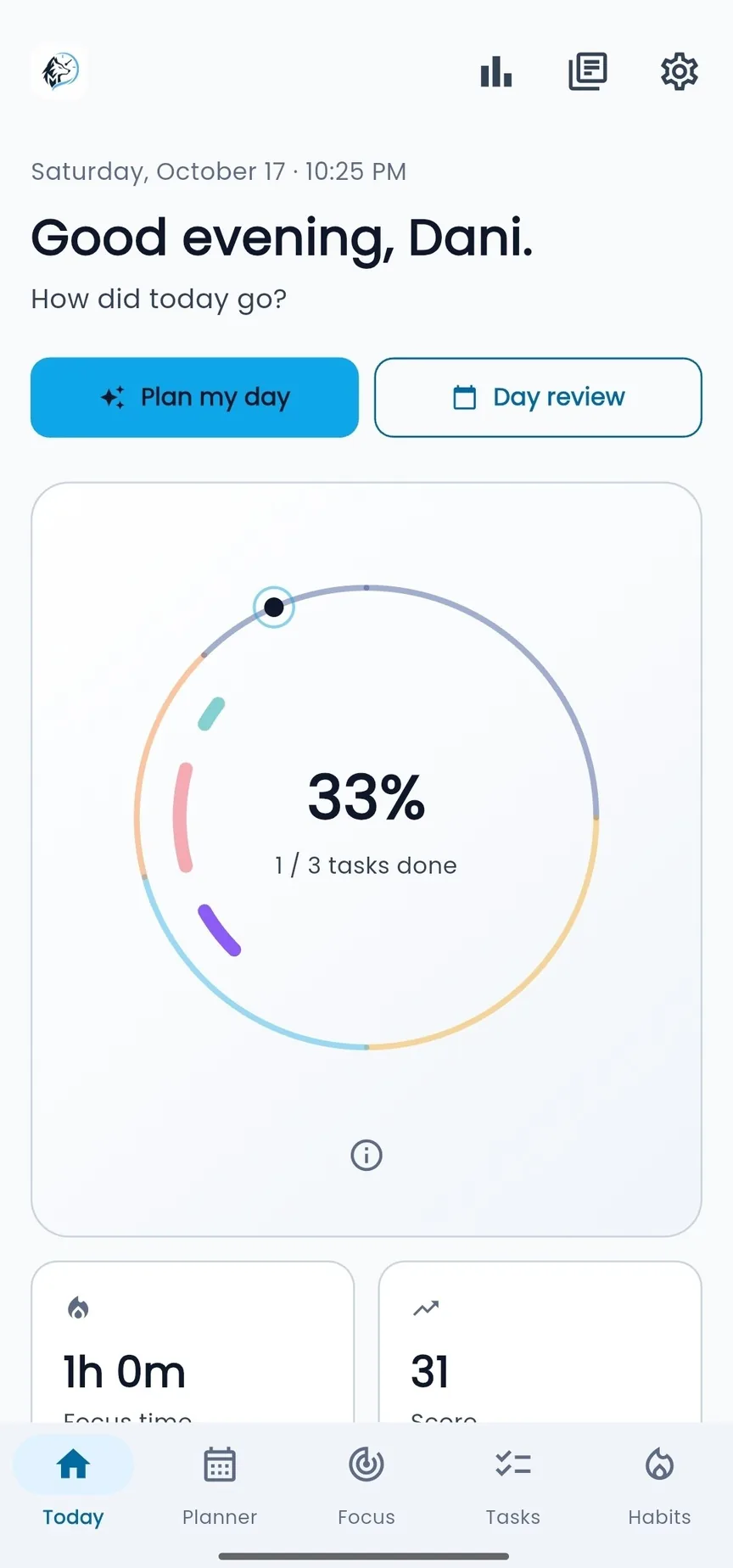
Know where your time is going before the day gets away from you
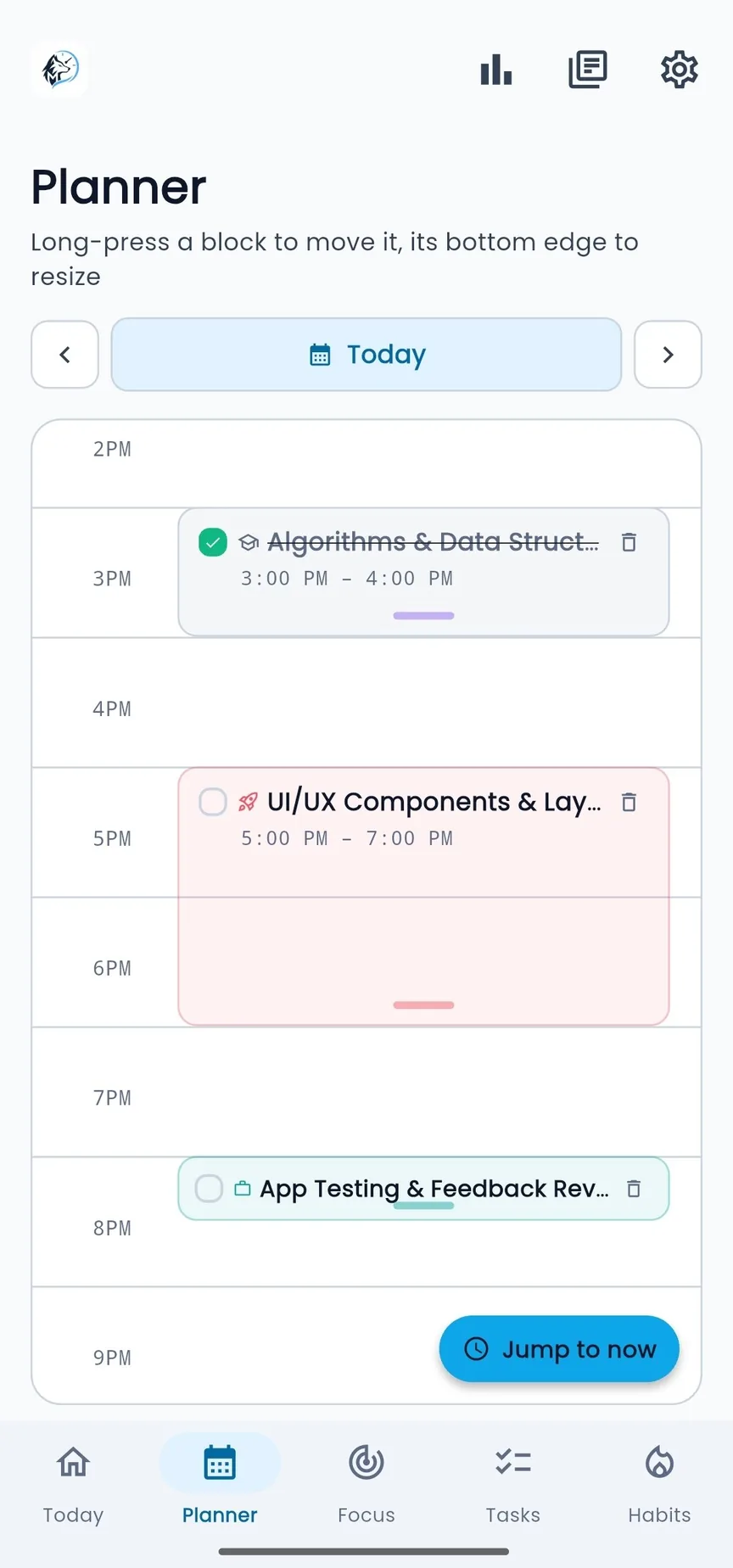
Plan tasks by time and adjust your schedule without starting over
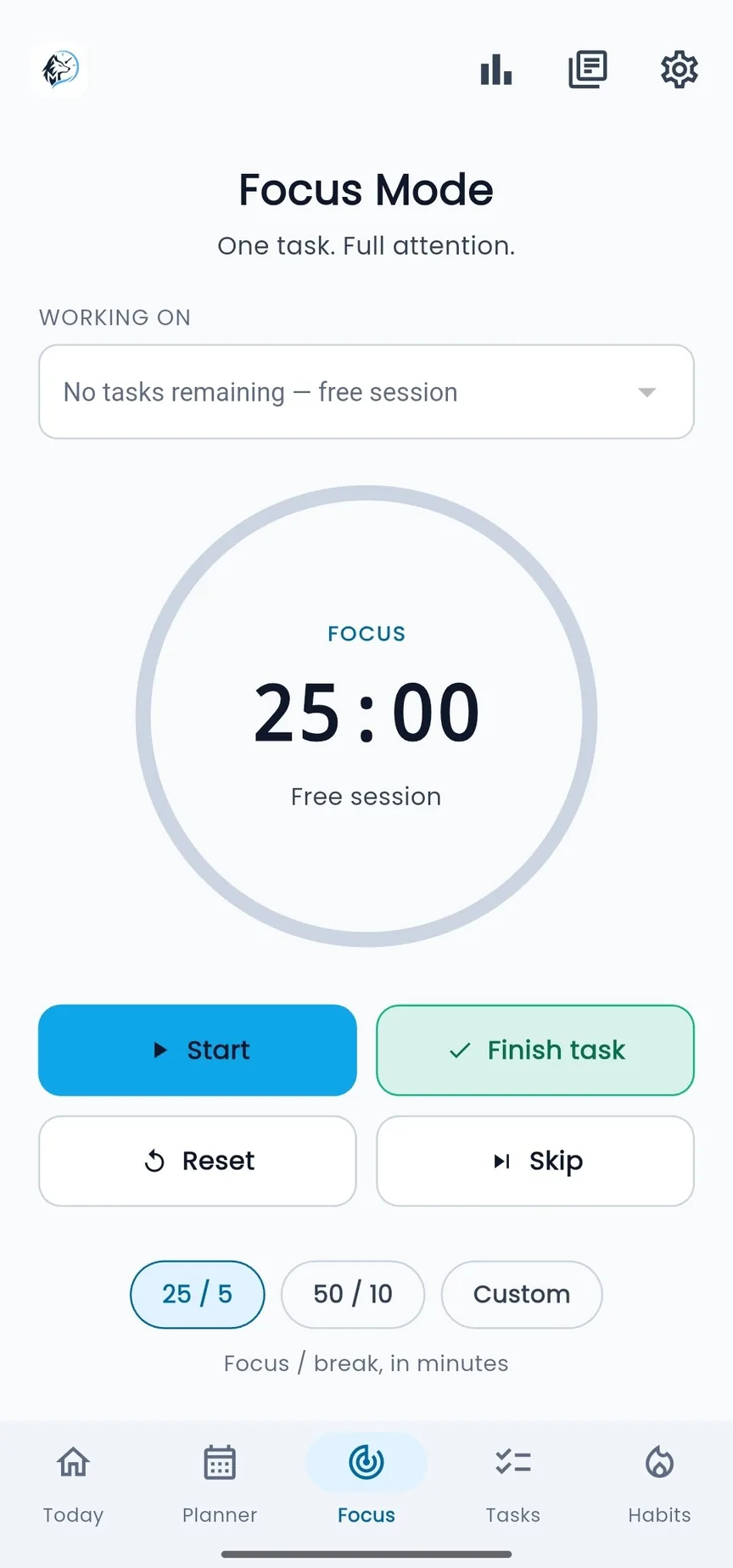
One task, full attention, and a simple timer with focus and break presets
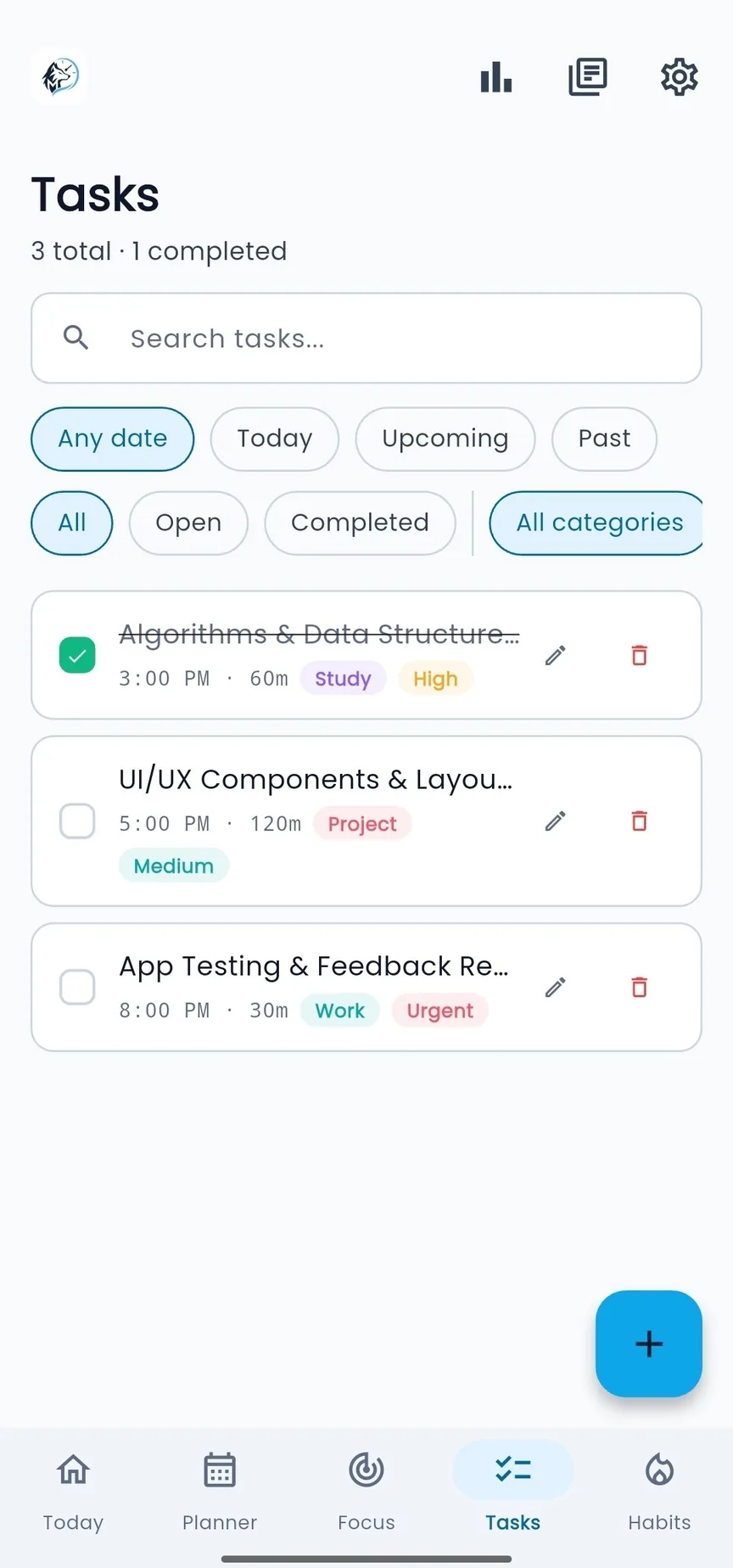
Search, filter by date or status, and see category and priority at a glance
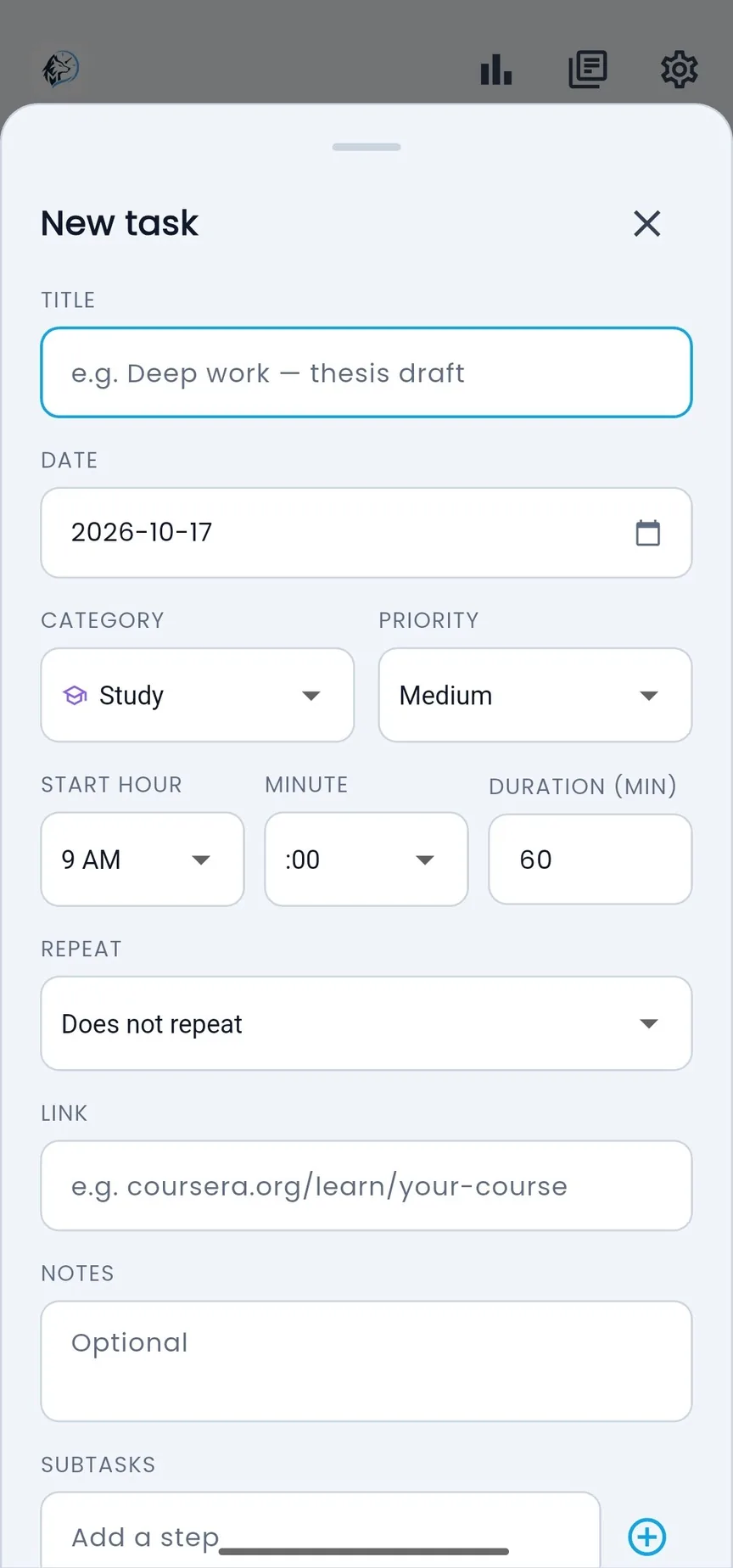
Set the date, category, priority, duration and repeat — notes and steps are optional
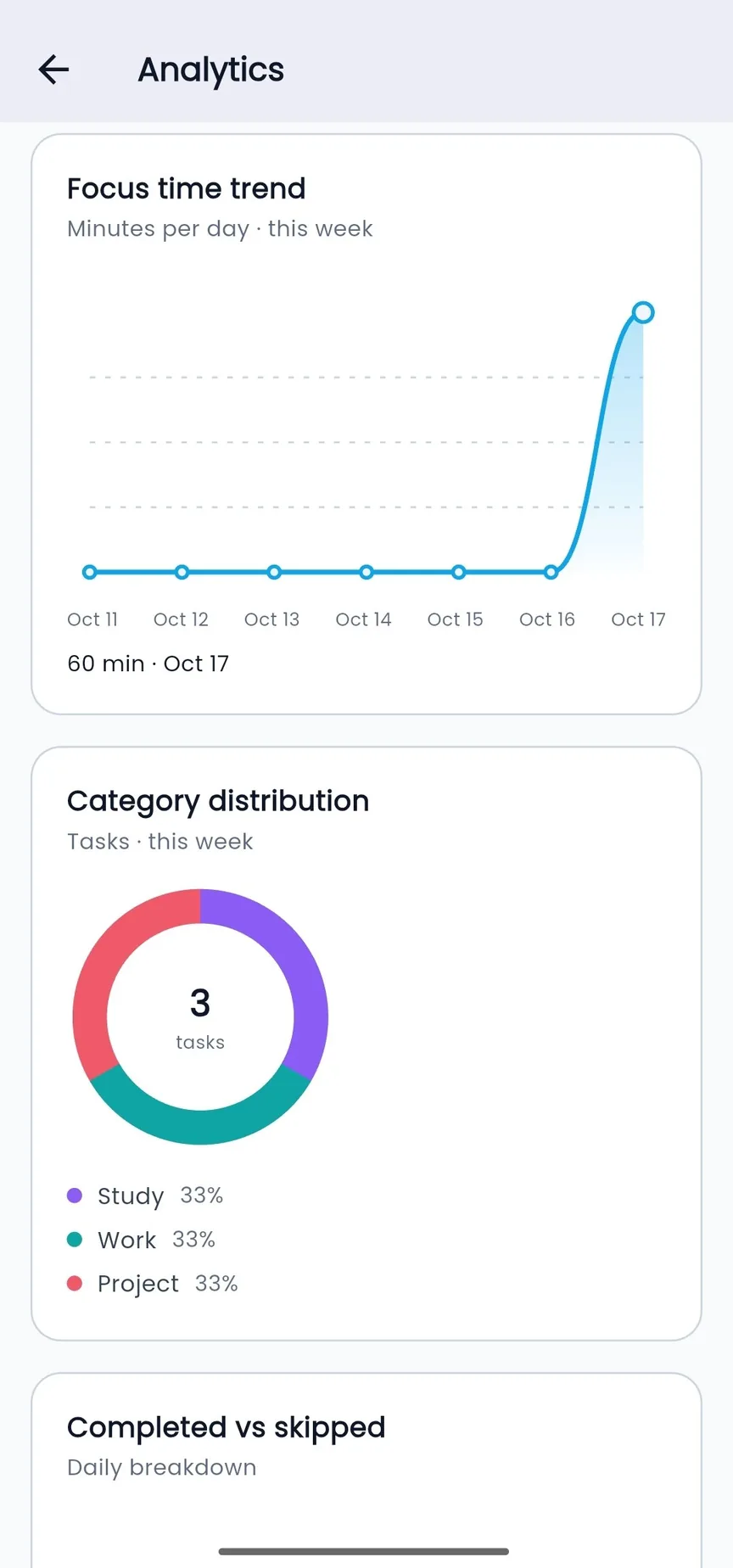
Understand your focus time and consistency with clear progress data
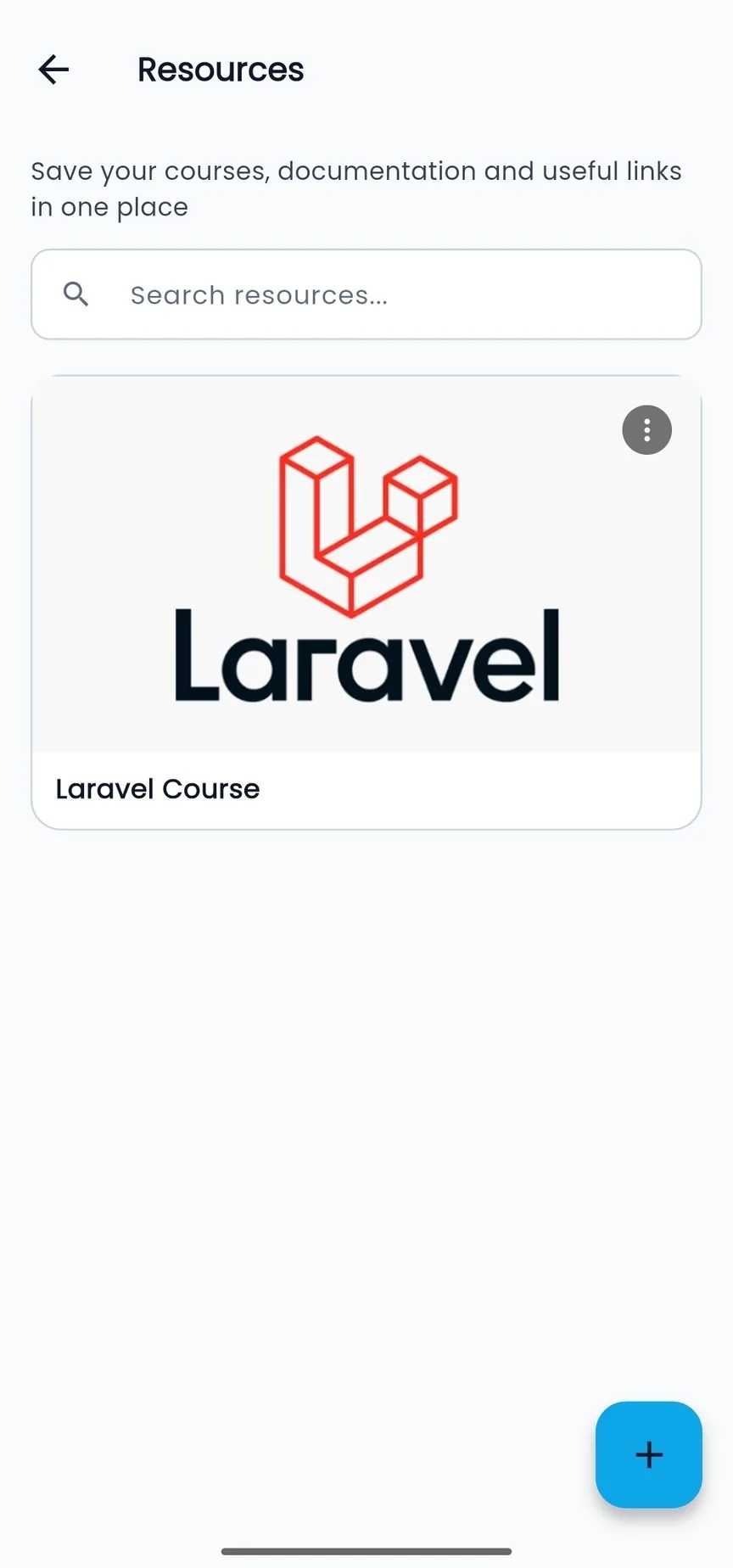
Save courses, documentation, and useful links in one place
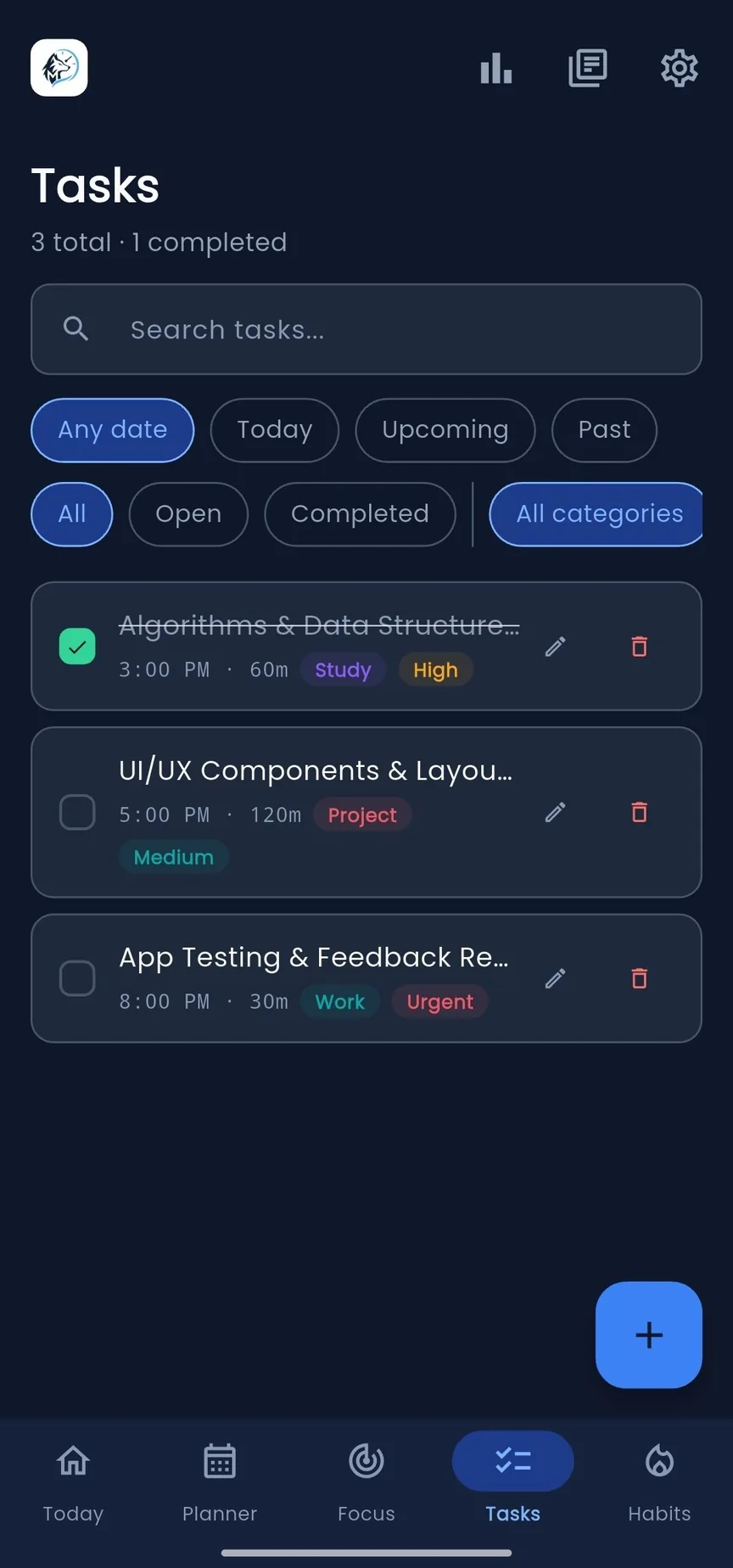
A full dark theme for late-night planning
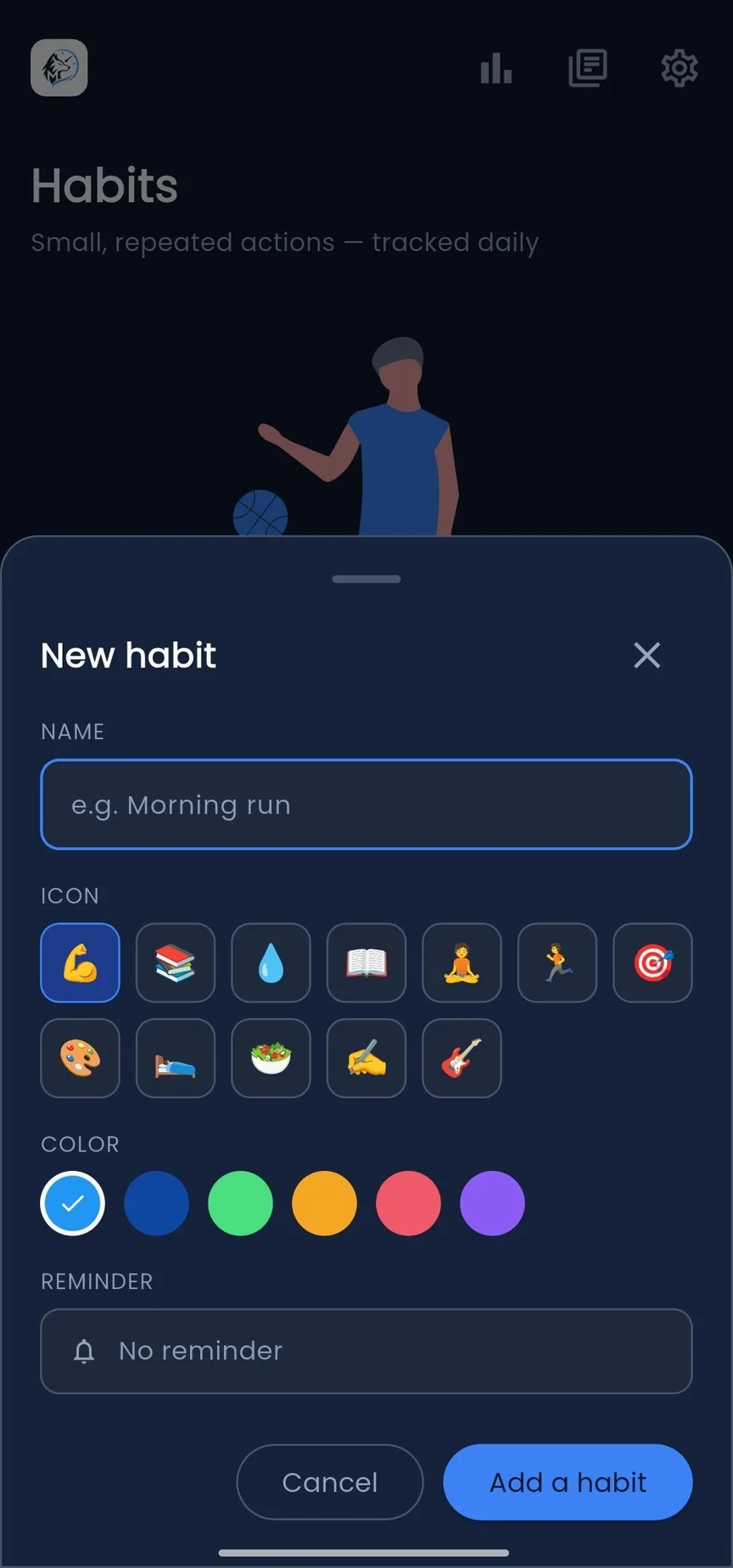
Pick an icon and a color, add a reminder, and track it every day
A quick look at planning a day, starting a focus session, and checking progress — all in the flow you'd actually use
Download Meridian and bring your plans, focus time, and progress into one calm workspace
 Get it on Google PlayGet Meridian